
How to set Firefox to always start in private mode
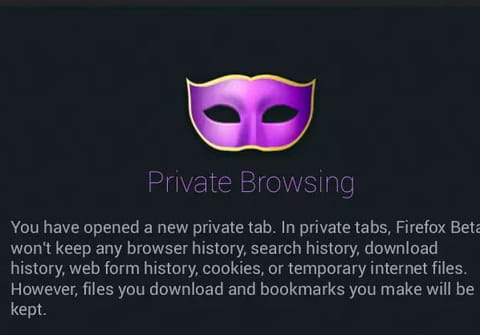
Private browsing allows you to browse the web without leaving traces. It is achieved through a special browser window and ends as soon as you close the page. This tutorial explains how to always open Firefox in a private window.
How to start Mozilla Firefox in private mode by default?
Method 1
- Open Firefox
- Type about:config in the address bar and press Enter, continue if your browser asks you to confirm
- A search bar will appear, type: browser.privatebrowsing.autostart
- Double-click on it to toggle the value to true
- Restart Firefox to apply your new settings
Method 2
-
Open Firefox
- Go to the Menu icon on the top right of the screen
- Click on Settings
- Click on Privacy & Security on the right panel
- Go to the History section, and select "Use custom settings for history" for the "Firefox will" item.
- Check the Always use private browsing mode checkbox
- Restart Firefox
Firefox will now auto-start in the private browsing mode, meaning that your browsing history, download history, searches, and form history will not be saved. Cookies will also automatically be deleted at the end of each browsing session.
any more questions about Mozilla firefox? check out our forum!