
How to restore deleted or missing app store icon on iPhone?
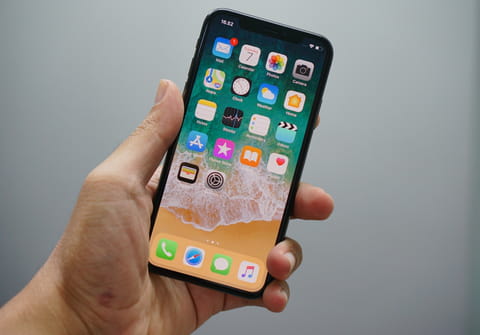
The Apple App Store icon is one of the constantly present applications on any iPhone or iPod. If you discover that this is missing on your device, you will have to restore it manually.
How to restore App Store icon that is missing?
Before proceeding, ensure you have checked all the sections and blocks in your device to find the App Store icon. You can take the help of Search option on your device.
- If you set any restrictions on your device, this app may not appear on your home screen. To resolve this problem, go to Settings > Screentime > Content & Privacy Restrictions.
- You will then be prompted to enter your passcode.
- On the next page, tap on iTunes & App Store Purchases > Installing Apps.
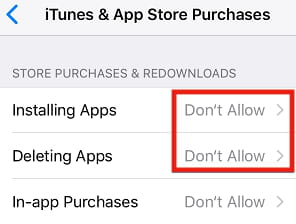
- To select which apps you want to be able to purchase, select enable when prompted.
- After following these steps, the App Store Icon should be restored.
What is an alternative solution?
You can also reset the Home Screen to restore the App Store icon and other icons to their default places.
- Go to Settings > General.
- Scroll down to the bottom of the settings to reset.
- On the next page, go to the Reset Home Screen Layout option.
After you do this, the Home Screen layout will be returned to its default settings. The App Store icon will be in its default location.
Do you need more help with App Store? Check out our forum!
Subject
Replies