

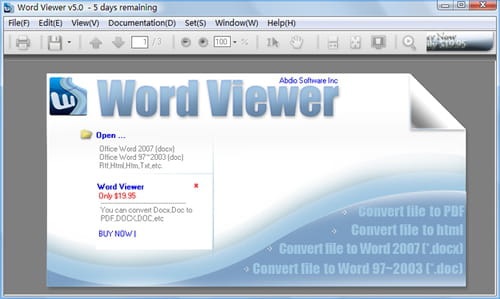
Microsoft always has solutions and for those who don't have Word installed on their computer, Word Viewer might be one of their best yet. Once downloaded and installed, Word Viewer can read any content in Word format.
What are the key features of Word Viewer?
- Compatible formats include: Word Document (.docx), Word Macro-Enabled Document (.docm), Rich Text Format (.rtf), Text (.txt), Web Page formats (.htm, .html, .mht, .mhtml), WordPerfect 5.x (.wpd), WordPerfect 6.x (.doc, .wpd), Works 6.0 (.wps), Works 7.0 (.wps) as well as XML (.xml).
- While viewing the documents, users also have the possibility to make a copy of the content to transfer to another location and/or convert it to another format. Users can also print these documents at any time, zoom in/out, select a word, phrase, paragraph or the whole page.
- Compatible Word programs include Microsoft Word 2010, Microsoft Office Word 2007, Microsoft Office Word 2003, Microsoft Word 2002 and Microsoft Word 2000.
Is it free?
Yes, Word Viewer is free to use.
Around the same subject
- Word viewer download
- Ms word viewer
- Free word viewer
- Spacedesk viewer > Download - Other
- Svg viewer download > Download - Image viewing and management
- Crystal reports viewer > Download - Data management
- Number to text in word > Guide
- Tamil pdf to word [solved] > Word Forum